Page break after Specific rows in rdlc reporting:
If you want to customize page break in rdlc reporting than simply follow give images sequentially.
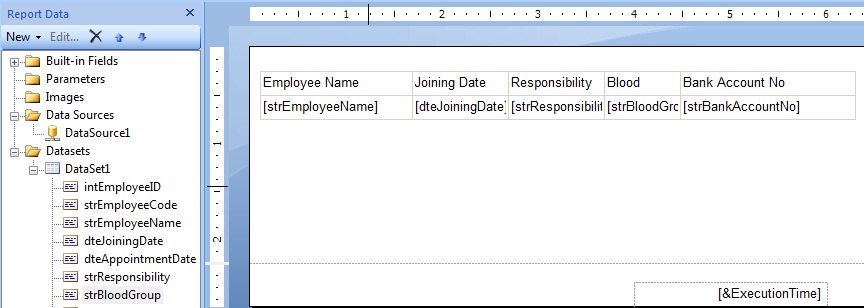
- Now Enable advance mode :

- Add a group for page break:

- Define the number of rows what do you want in the group expression(In this case i want 15 rows):

- Delete group column if you not need:


- Delete Expression from Group details:


- Select Group Properties and set page break attribute breakLocation as End,Disables as false and RestPageNumber as fasle:

- Select Group Details Properties and Set Disable=true:

- Now here's the report with page break after specific row:


Error Rendering output for the report failed and the following error occurred: Una expresión de ordenación del objeto ‘Tablix5’ de tipo tablix usa la función RowNumber, que no se puede usar en expresiones de ordenación.
ReplyDelete